Contacts & Relations
Organizations, contact people, individual contacts and distribution lists. Structured contact details without losing the relationships.
Open source · Self-hosted · API & MCP
Contacts, projects and your own data objects in one application. Adapt it to your work, keep changes traceable and run it on your infrastructure.
Documentation is currently available in English.
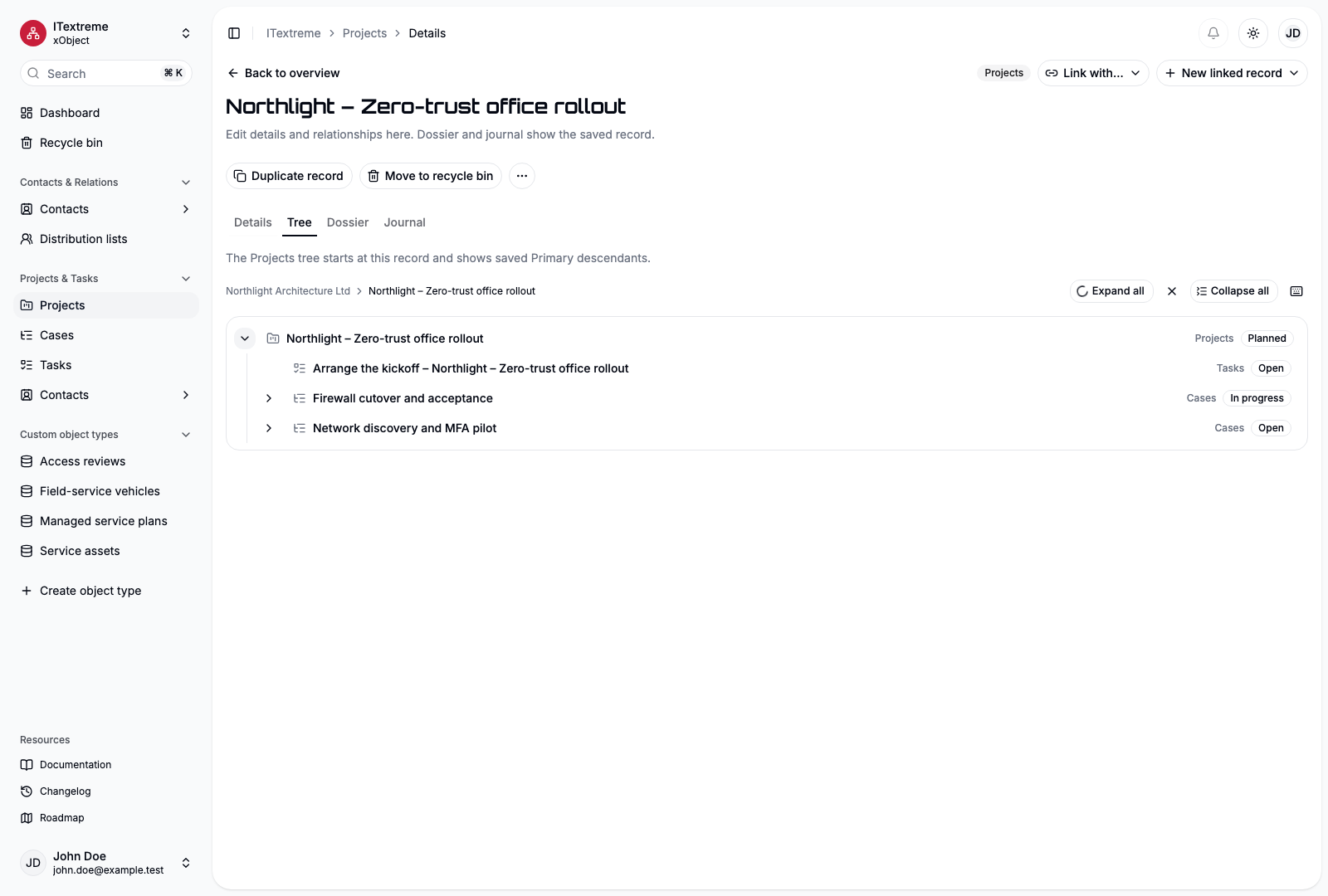
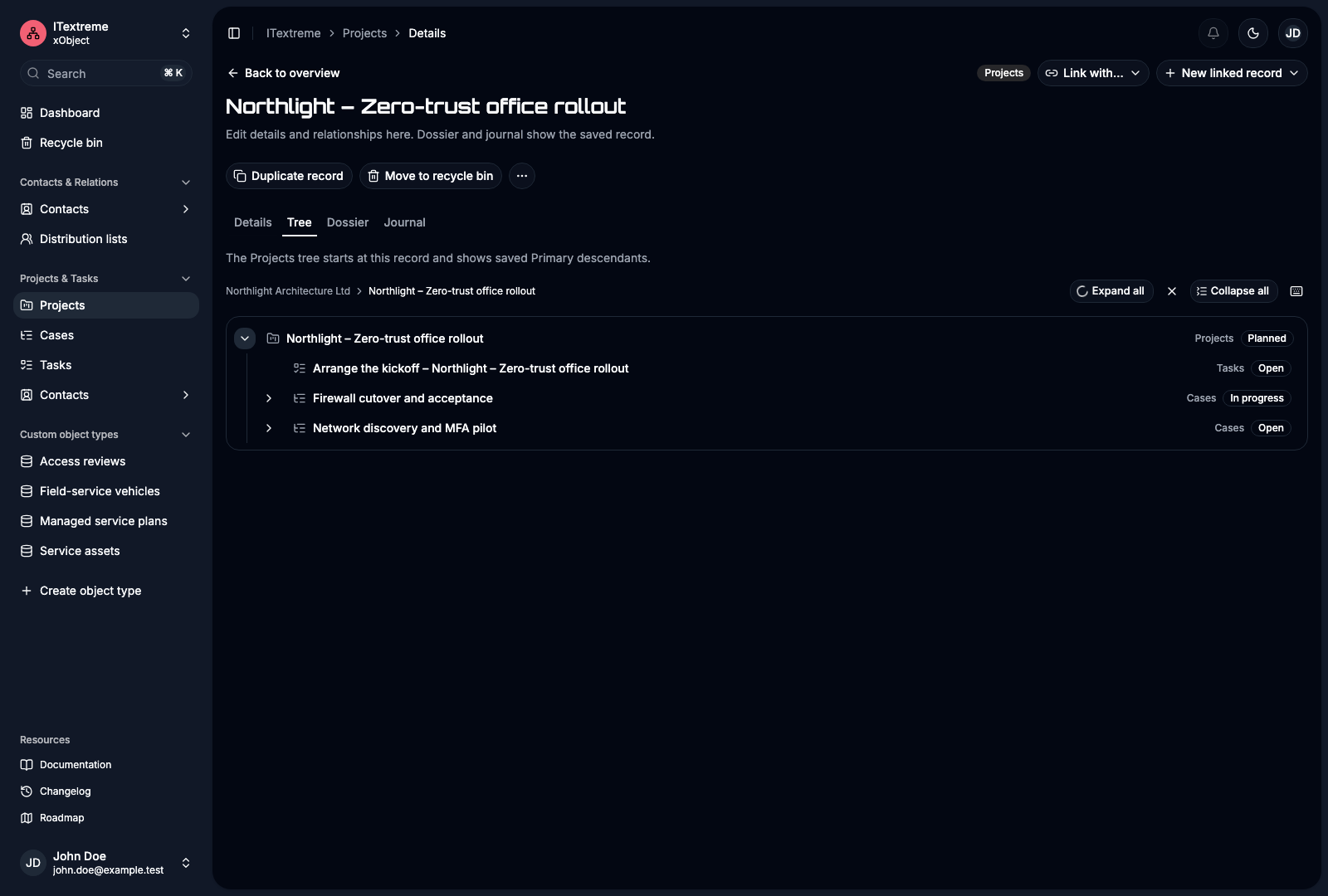
Contact → Project → Case → Task
From a customer to a project, from a case to its tasks. Link devices and service plans too. Open the record and find the information that belongs together.
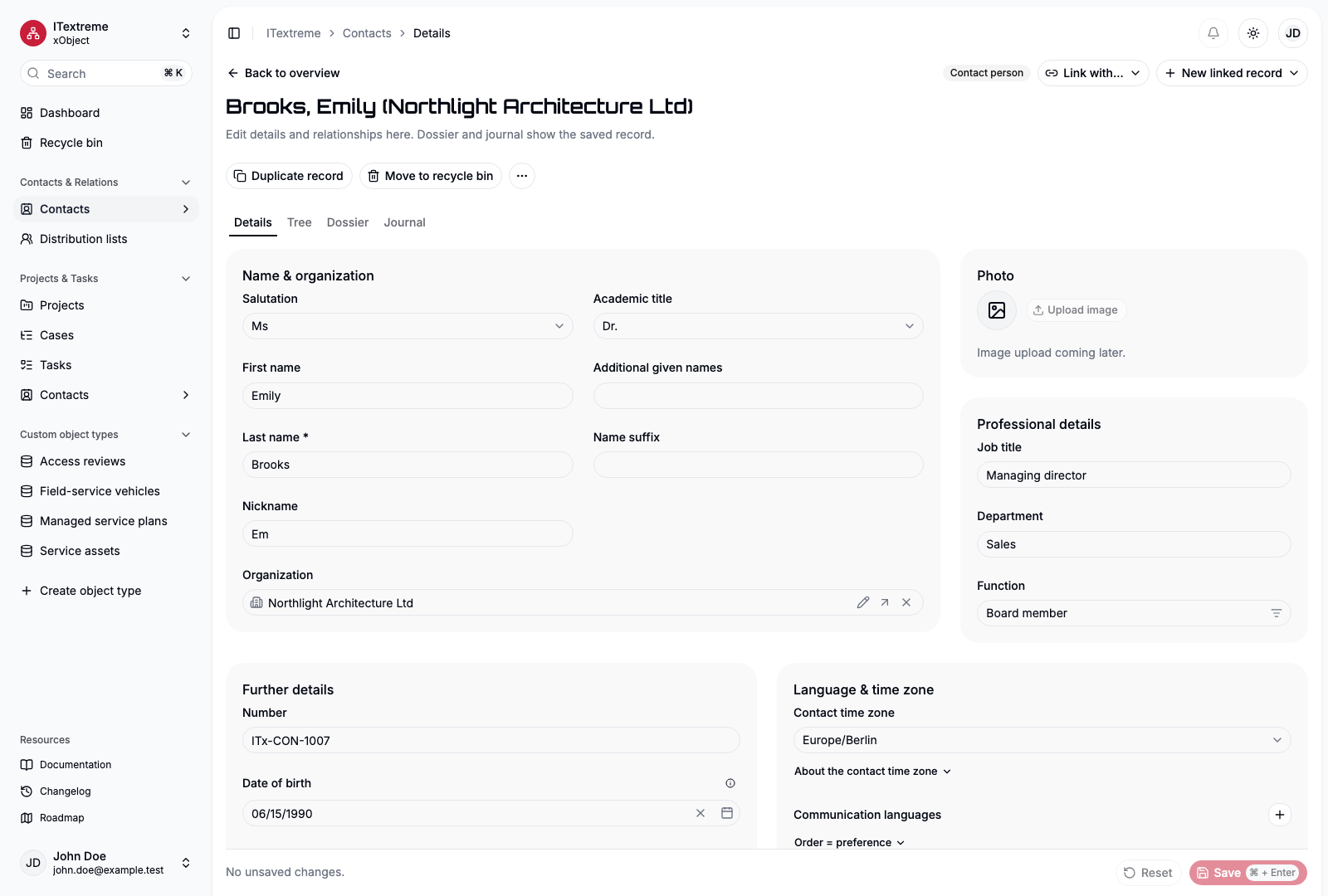
Keep organizations and the people you work with in one place.
Connect projects, cases and tasks through a clear primary association.
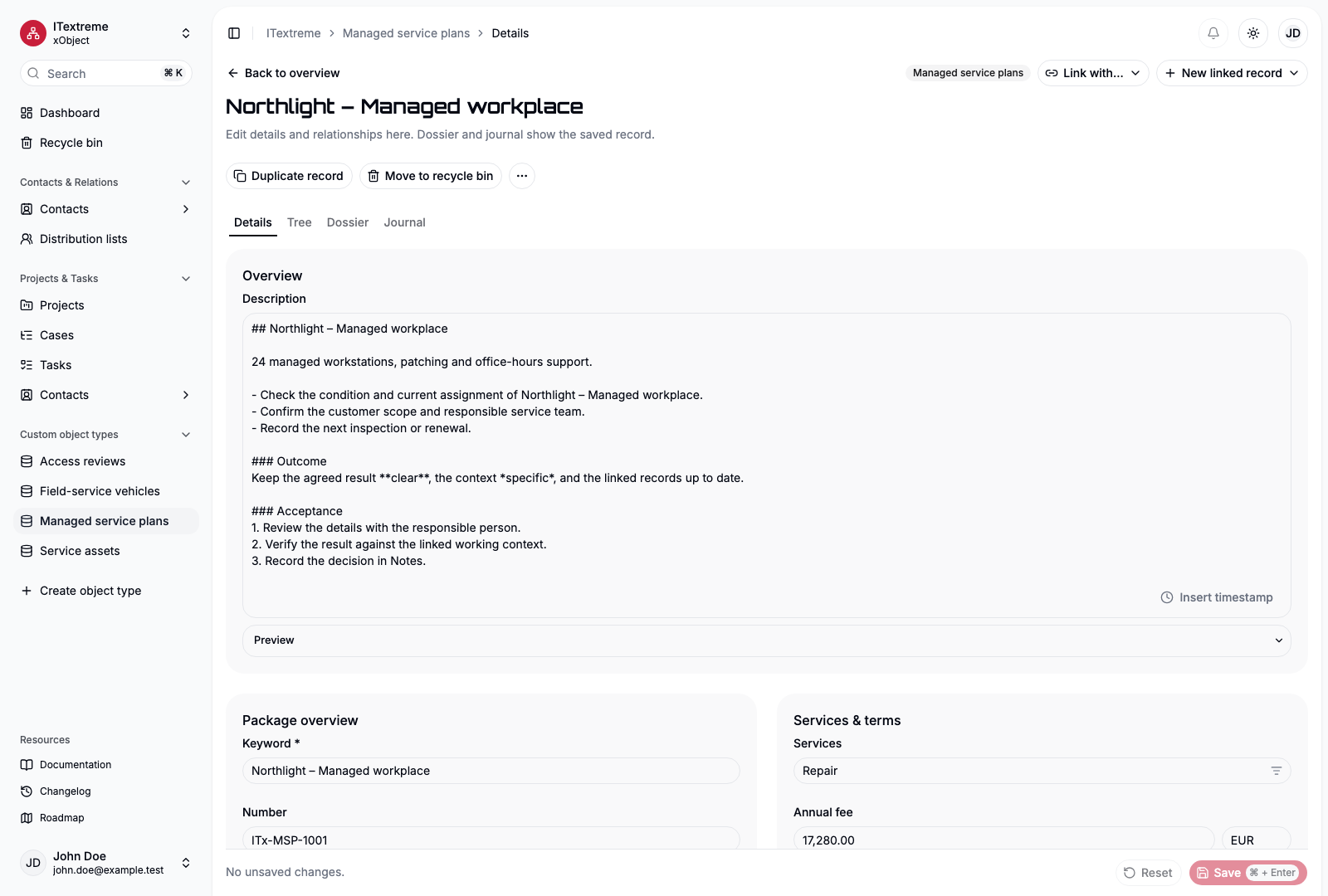
Link devices, contracts or the data objects that matter to your work.
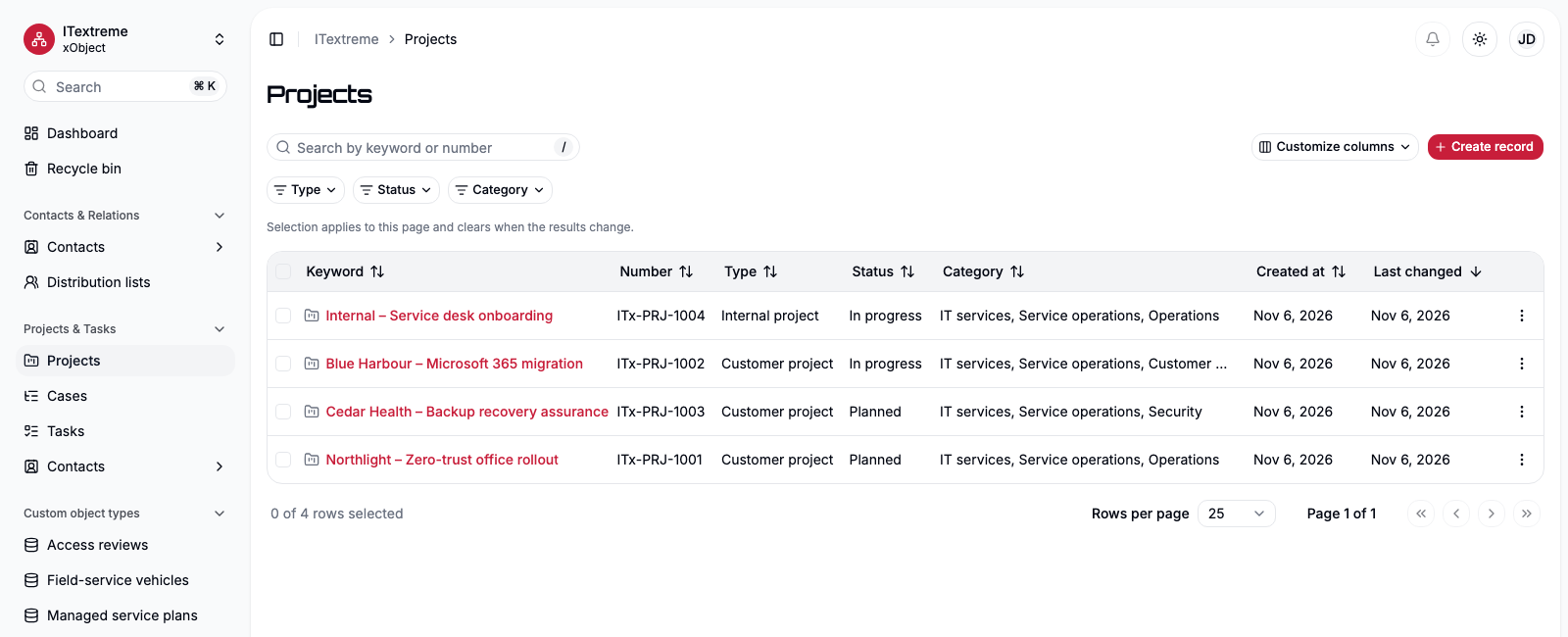
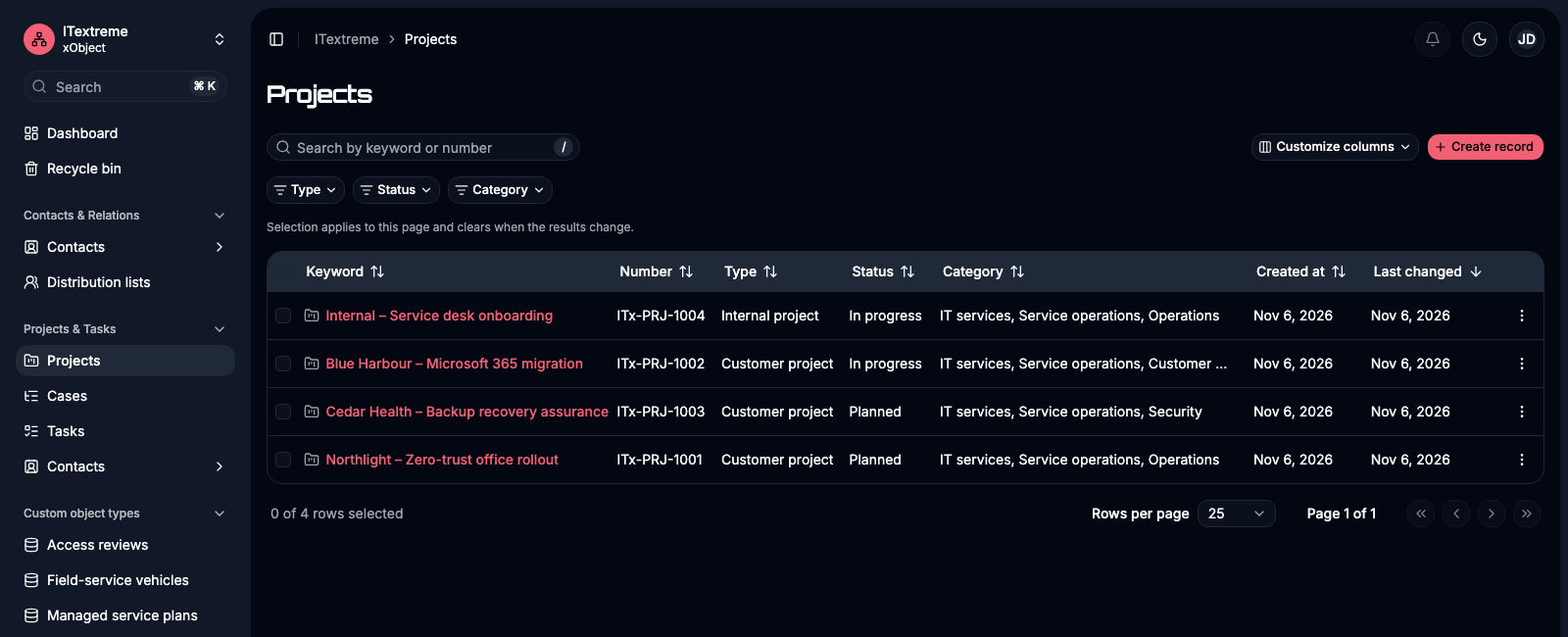
Use the supplied modules and add the structures your work needs.
Organizations, contact people, individual contacts and distribution lists. Structured contact details without losing the relationships.
Projects, cases and tasks with schedules, progress and shared context. Find the work and the people responsible for it.
Model devices, service plans or something completely different. Define fields, relationships and forms without changing application code.
Separate your work into workspaces. Give users and groups the access they need, follow changes in the journal and recover records from the recycle bin.
Object and field permissions, ownership and foreign access work together. Agents have the same effective rights as their user.
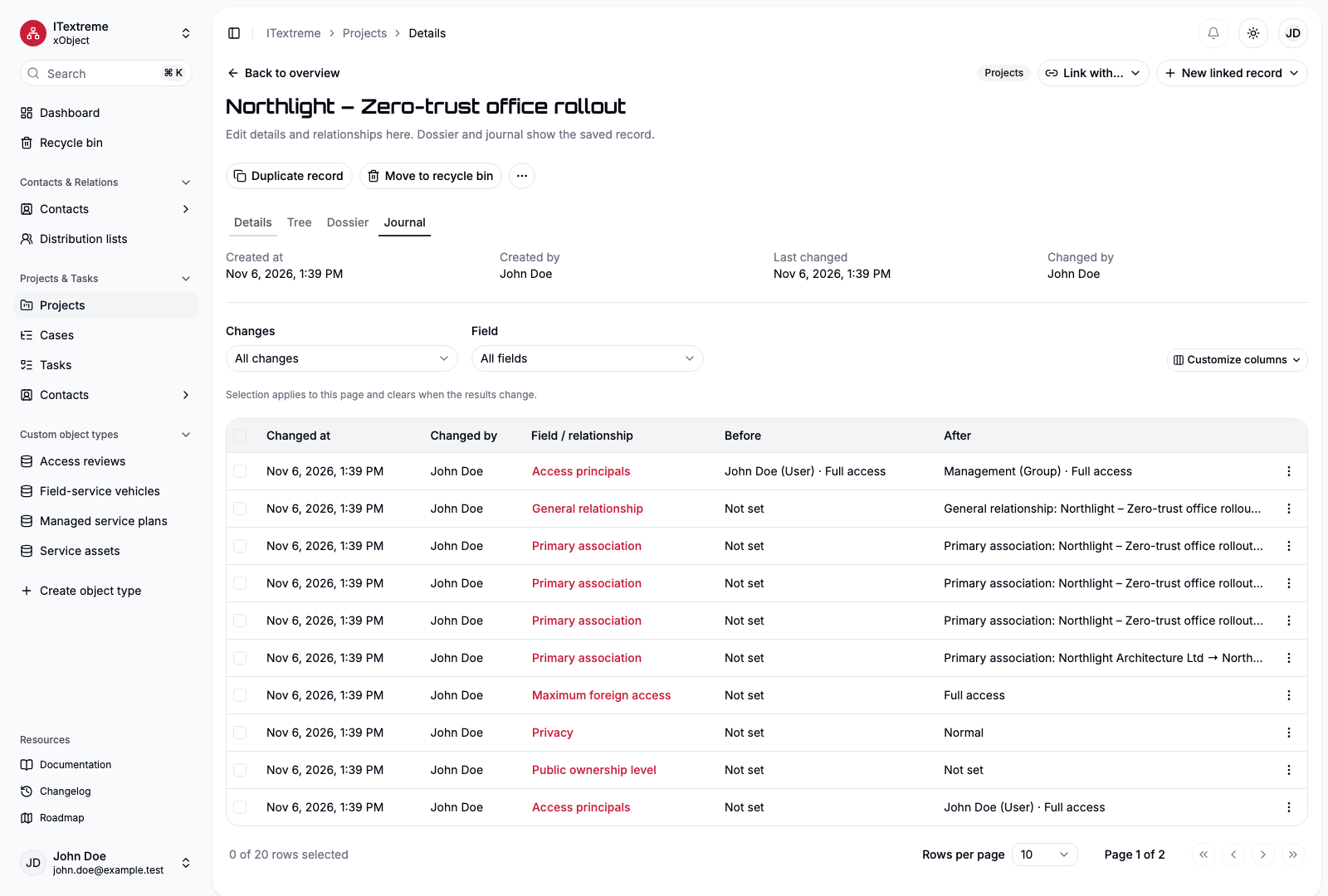
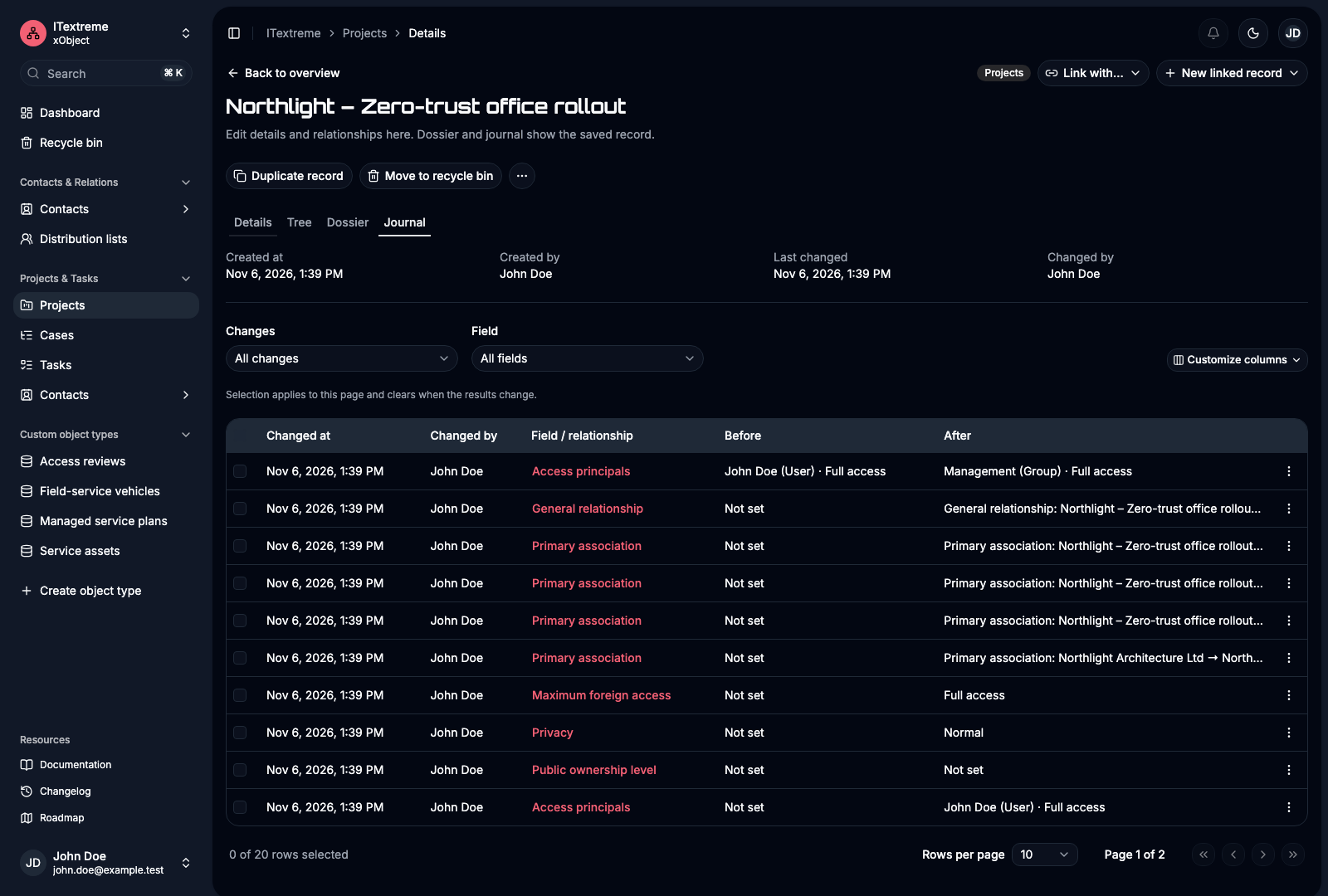
The journal records individual field and relationship changes. See what changed, when and by whom.
Separate definitions, records and teams in workspaces, each with its own appearance.
Web · API · MCP
The web interface, API and MCP use the same business rules and permissions. Connect your automation or a compatible AI client with a personal, revocable credential.
Explore API & MCP“Create a project, link the customer and add the first three tasks.”
Your permissions. The same rules.
The entire V1 feature set is Community, under AGPL-3.0-only. Install the prebuilt containers with Docker Compose and stay in control of your data.
Releases & downloadsDocumentation is currently available in English.
Follow the self-hosting guide.
Configure your installation and create the first administrator.
Activate modules and shape your workspace.
People and teams who want contacts, projects and their own structured information to work together. Start with the supplied modules and extend them as needed.
Yes. Designers and administrators can configure data objects, fields, selection lists, relationships and forms. Supplied contact forms have a fixed core and support additional custom fields.
In your browser, backed by your own installation. The supported self-hosting path uses Docker Compose and prebuilt Linux container images.
An agent works with its user’s effective rights. Personal credentials can be limited, expire and be revoked. MCP support depends on the capabilities of your client.
The public roadmap describes later improvements. File uploads, standards-based synchronization, SSO and native clients are later scope.
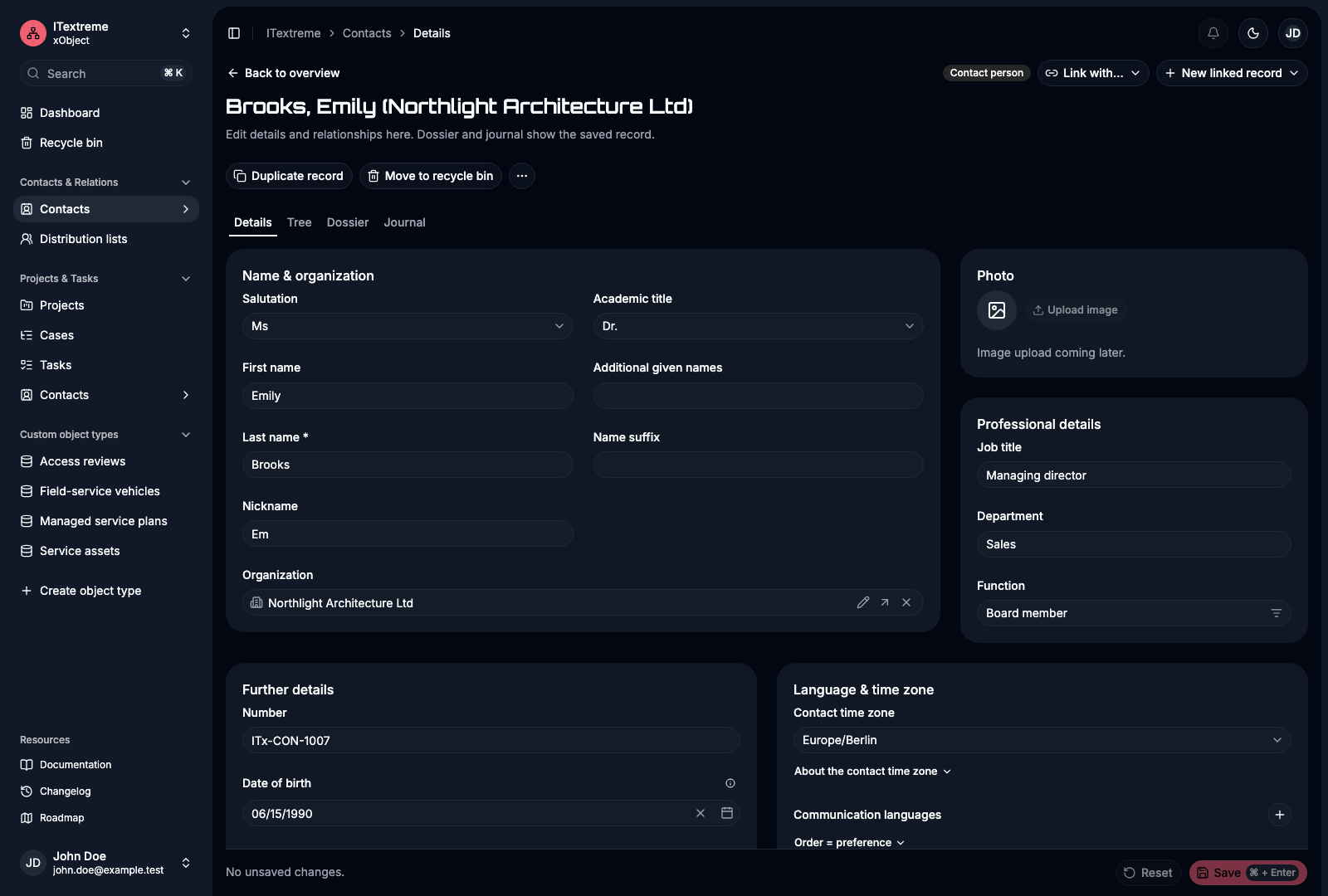
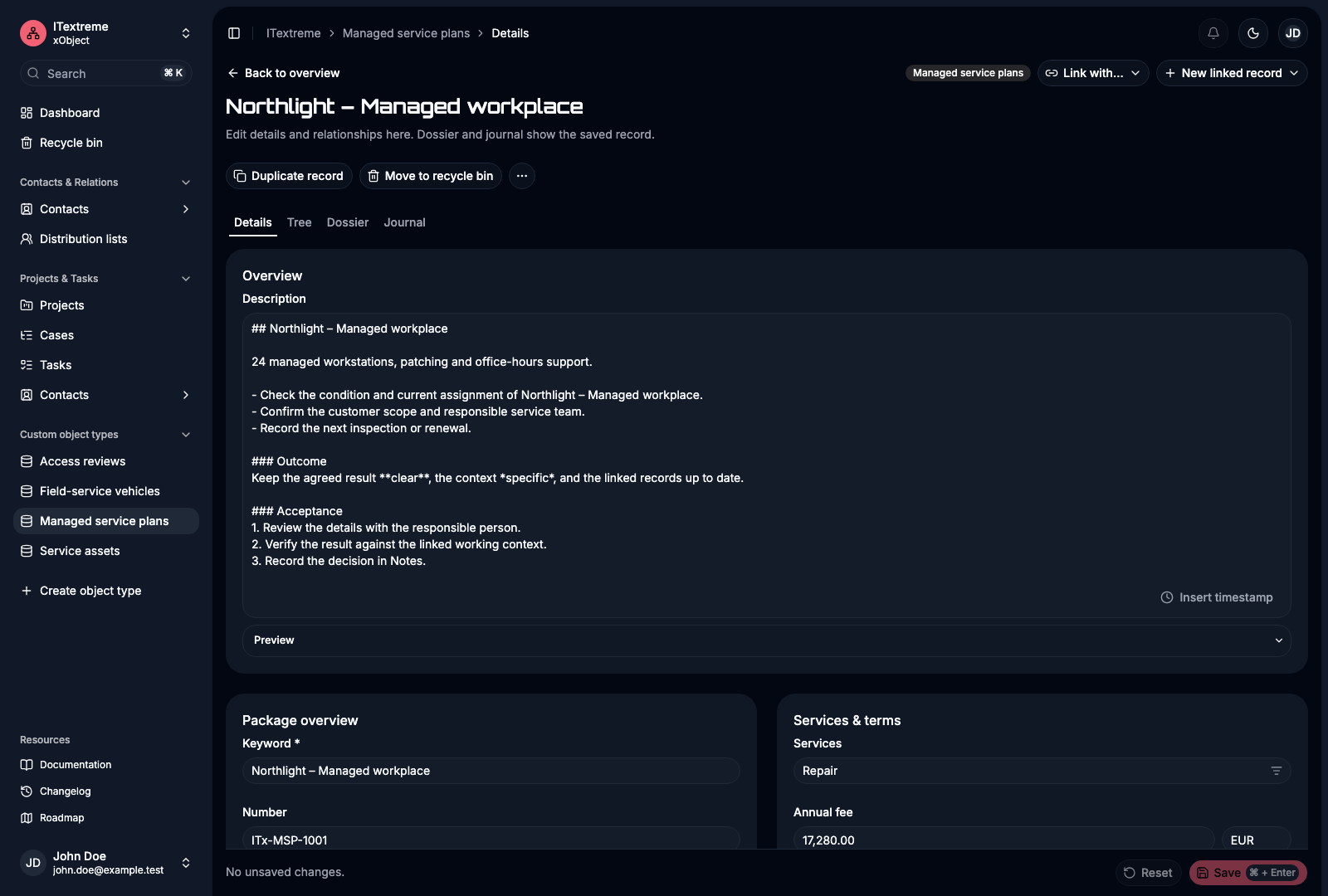
Real application views from the fictional ITextreme demo workspace.